 Shqip
Shqip
 English
eSIM Activation
Follow the steps below to activate your eSIM quickly on iPhone or Android devices.
1
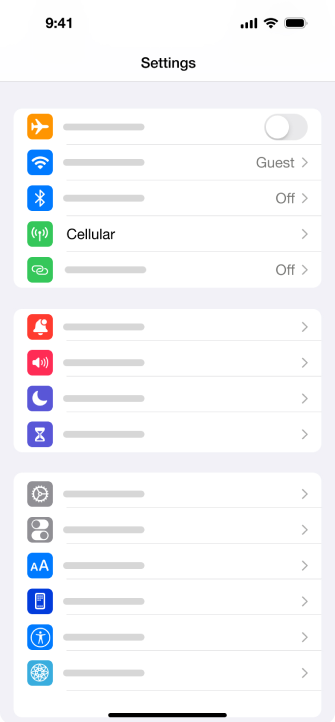
Open Settings on your iPhone and select Cellular/Mobile Data
2
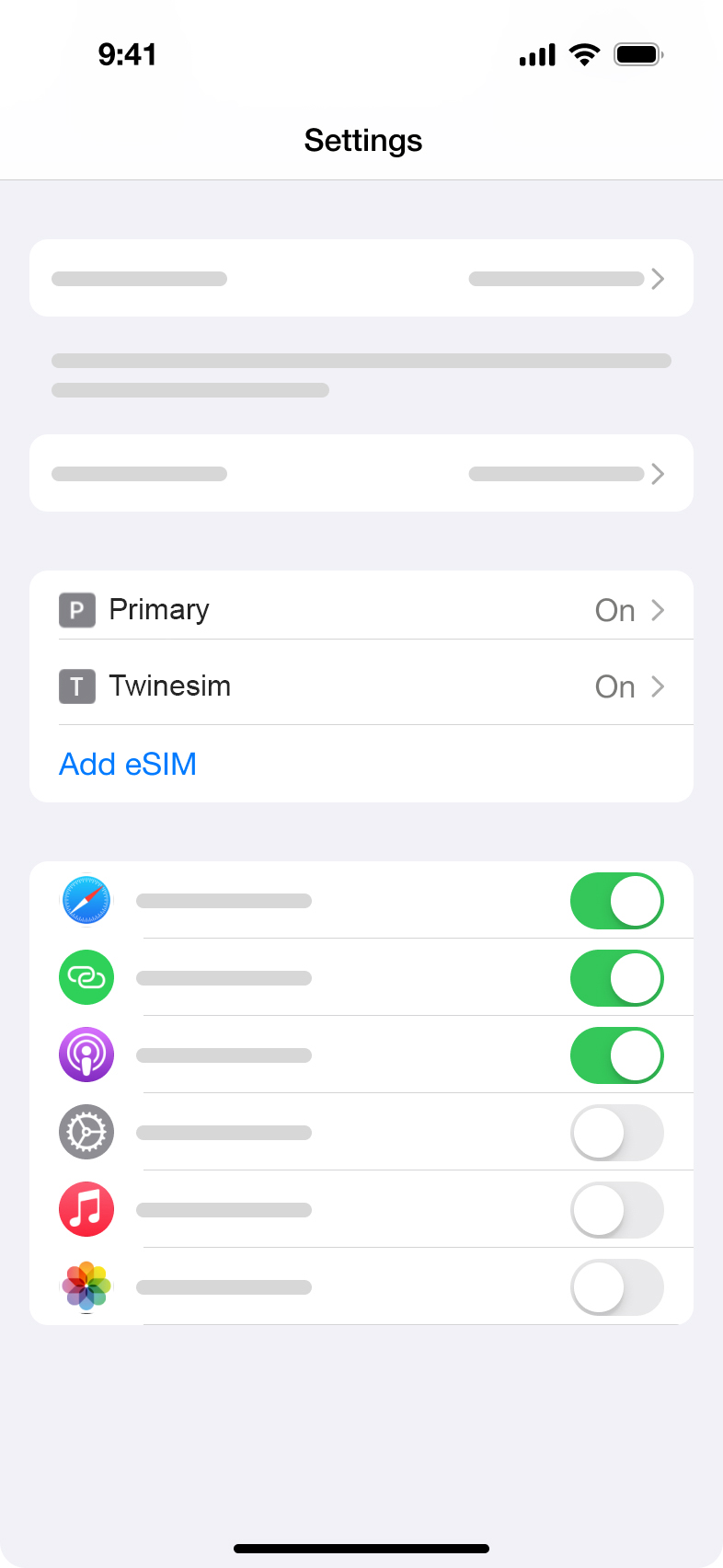
Select Twinesim from the list
3
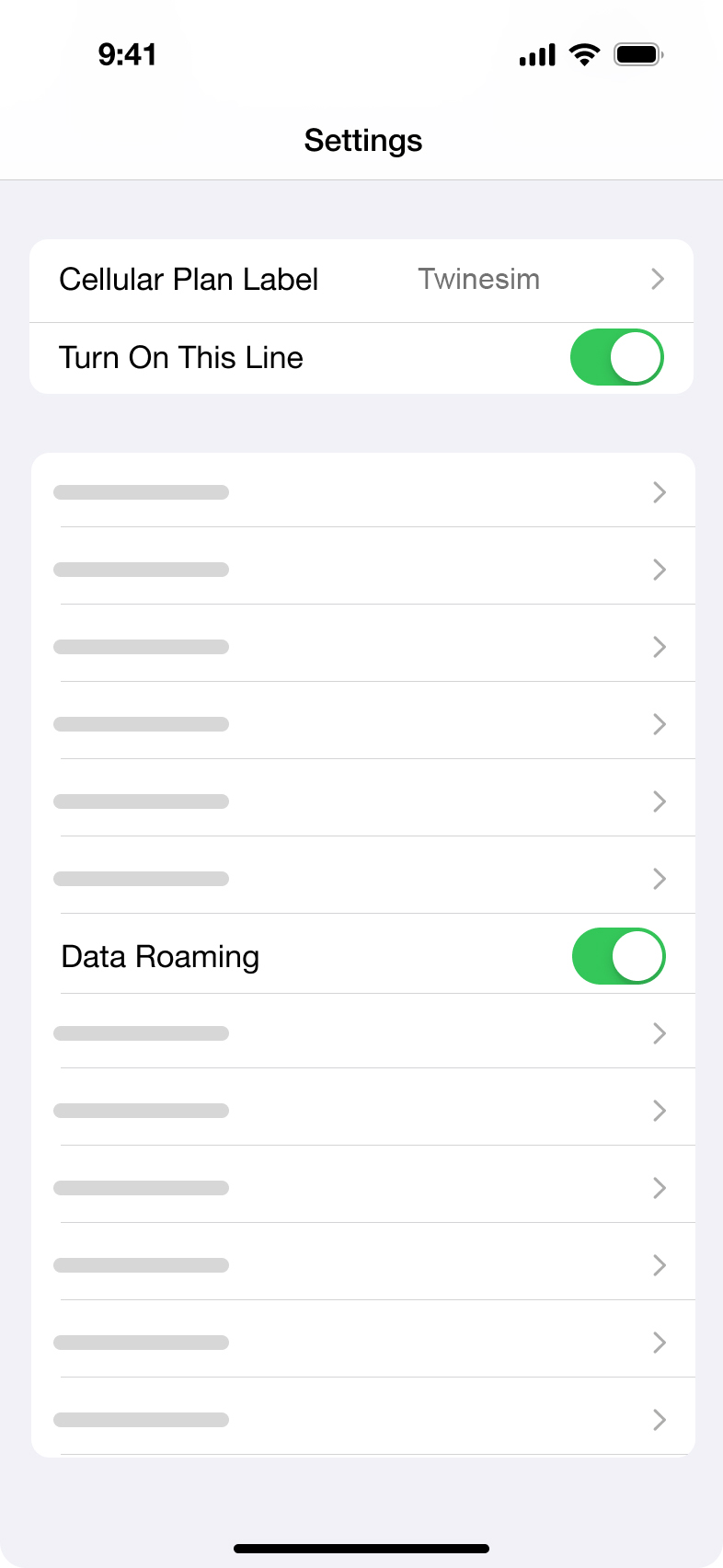
Scroll down to Data Roaming and enable it
1
Open Settings on Android and select SIM Cards
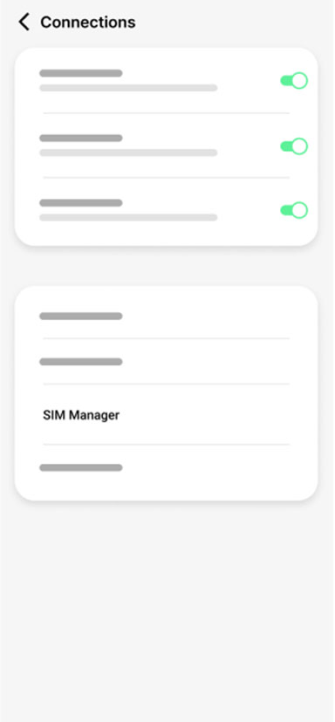
2
Select Twinesim and activate it
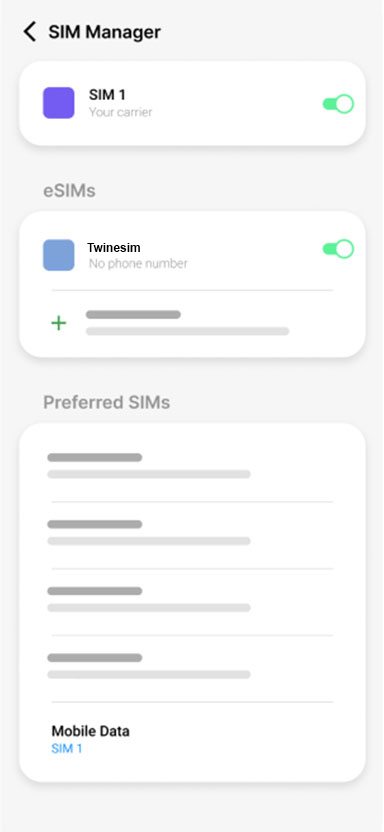
3
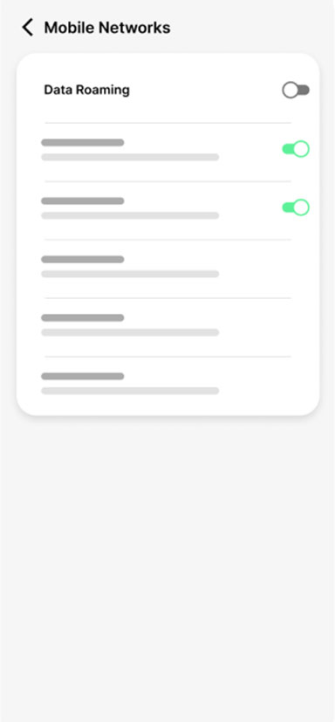
Enable Data Roaming on Android